

4G CCTV Camera Data Usage: How to Choose a SIM Plan

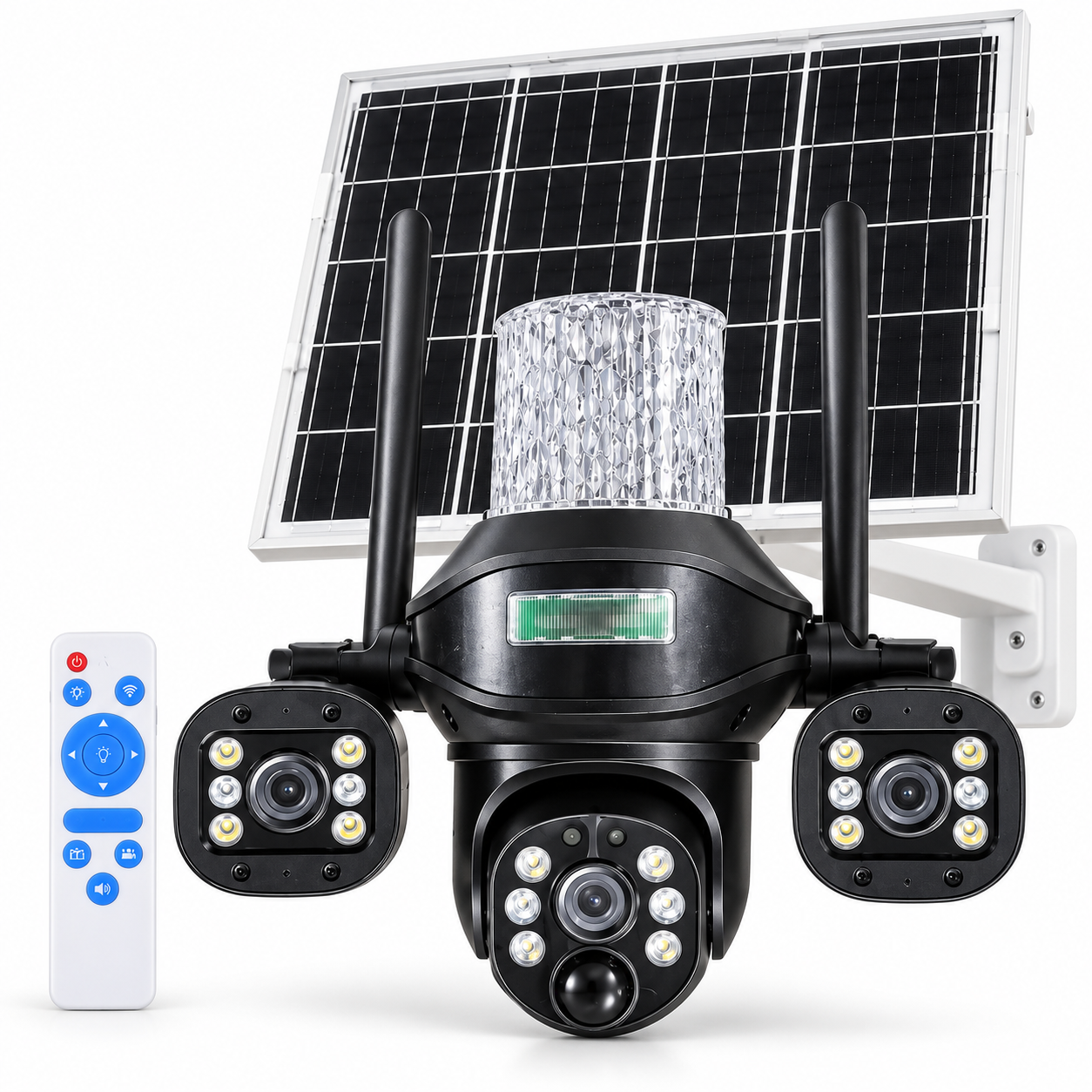
A 4G CCTV camera does not have one fixed monthly data requirement. Plan around how much video crosses the mobile connection: live viewing, remote playback and uploads. A camera recording locally is not necessarily sending every recording over 4G. Confirm the behaviour and settings of the exact model before choosing a SIM plan.
Start with your viewing routine
For a farm entrance, construction site or shop, write down who will open the camera app, how often and for how long. Short checks and an all-day live display are very different workloads. Include remote playback and any cloud uploads in the plan, not just the number of motion alerts.
Compare the LiveView solar surveillance range for the connection, recording and storage features actually listed on each product. Solar charging and mobile data are separate requirements: sunlight does not provide an internet connection.
Estimate video data from bitrate and viewing time
If the stream bitrate is known, a starting calculation is:
Estimated video data in GB = bitrate in Mbps × viewing minutes × 60 ÷ 8 ÷ 1,000.
This uses decimal units: eight bits per byte and 1,000 MB per GB. It estimates video payload only. Variable bitrate, audio, network overhead, additional viewers and other online activity can change actual usage. These are worked examples, not measured results for a LiveView camera.
| Viewing routine | Video data over 30 days |
|---|---|
| 10 minutes per day | About 2.25 GB |
| 30 minutes per day | About 6.75 GB |
| 60 minutes per day | About 13.5 GB |
At a hypothetical 2 Mbps, these payload estimates double. Use the actual stream settings where available; megapixels or an advertised “4K” label alone do not give you the transmitted bitrate. Avoid selecting a plan exactly at the calculated minimum.
Separate local recording from remote access
For local footage retention, use our CCTV memory-card recording-days guide. It estimates stored video separately from the SIM data used for remote viewing.
Check which functions use the SIM connection and which remain on the camera. A local memory-card recording, watching that clip from another location and uploading it to a cloud service are different operations. Local storage support does not tell you how the app handles every remote action.
As an example of manufacturer guidance, Reolink explains data use for its own 4G models in terms of stream settings and online activities. Its model-specific recommendations should not be treated as a LiveView data allowance.
A five-step SIM-plan checklist
- Confirm compatibility: ask about supported networks, bands, SIM requirements and any activation or APN steps for the camera model.
- Test the location: assess mobile signal at the intended mounting point. Nearby coverage is useful information, but a phone test is not a guarantee of identical camera performance.
- Check the plan terms: verify validity, usable data, recharge arrangements and restrictions with the mobile provider.
- Set a realistic routine: include every viewer, remote playback session and required upload feature. Use a lower-bandwidth preview only where the model supports it and the detail is adequate.
- Measure and adjust: check the provider’s usage records after installation under a normal routine. Review unusually busy days before settling on a recurring allowance.
Common questions about 4G camera data usage
Does a 4G solar camera need Wi-Fi?
A compatible SIM-based model can use mobile connectivity instead of Wi-Fi. Confirm its network and data-plan requirements; do not assume every solar camera uses the same connection.
Does a solar panel reduce SIM data consumption?
The panel supplies energy. Data consumption depends on online activity and stream settings, so a solar panel does not by itself reduce video traffic.
Can I choose a plan from resolution alone?
No. Check the transmitted stream settings, viewing time and enabled online features. The estimates above become more useful when you know the bitrate, and actual usage records remain the best check on your own routine.
Ask LiveView with the right information
Send the intended site, camera model, available mobile coverage, viewing routine and recording needs through the LiveView contact page. For the broader power and installation decision, read our solar CCTV camera buying guide. Where reliable Wi-Fi and power are available, compare Wi-Fi smart cameras as another option.